
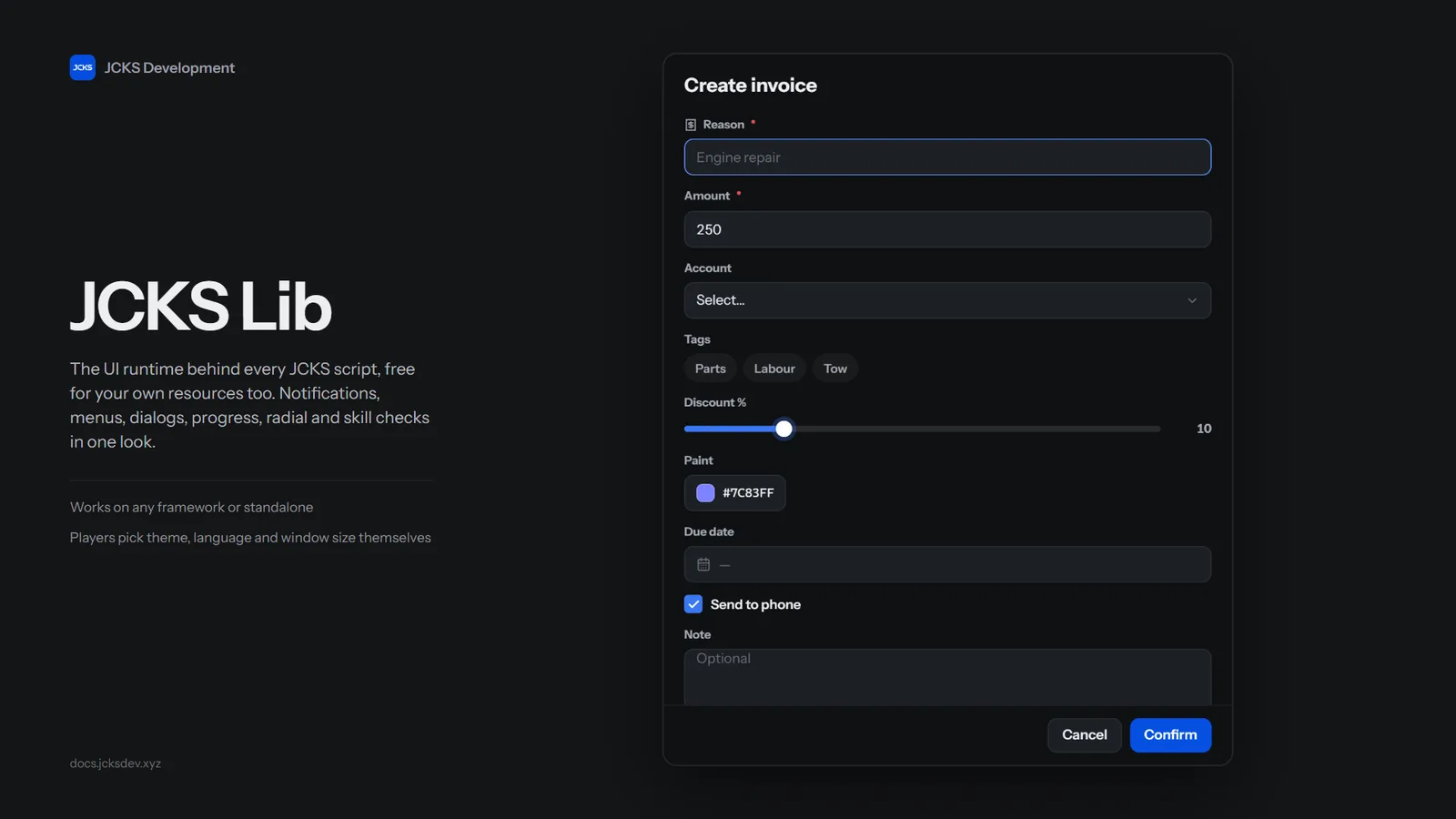
jcks_lib is the free core library and UI runtime of every JCKS script. Server owners meet it as the look and feel of every JCKS window, developers use it in their own resources. This page lists what 1.0.0 does, area by area, with a link to the page that has the options.
UI components
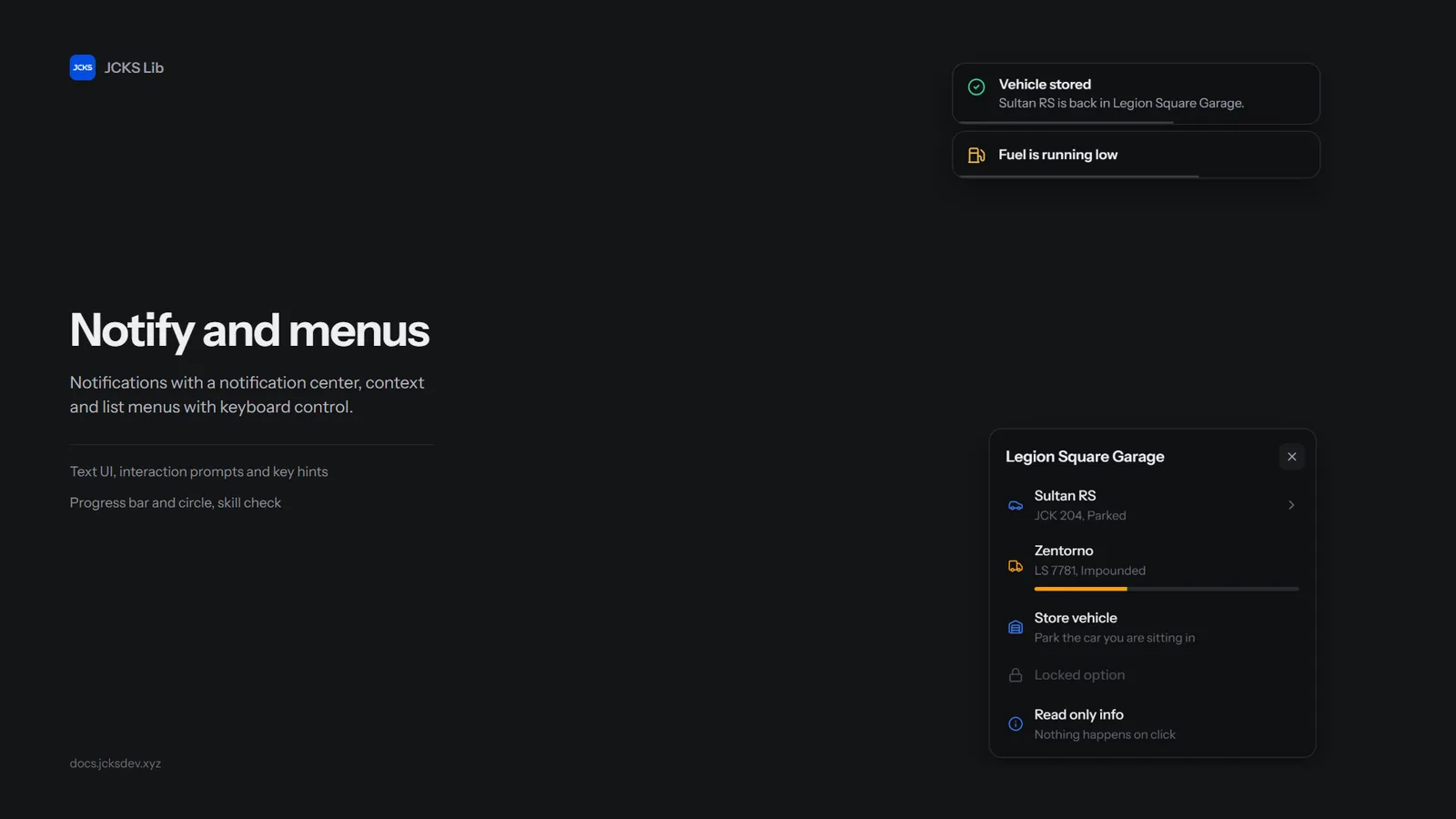
Ready made interface parts that any resource calls with one export or through the UI global from @jcks_lib/import.lua.
- Notifications with title, markdown text, type, icon with colour and animation, duration, 8 positions, a timer bar, sound and an id that replaces instead of stacking.
- Notification history of the session (
/notifications, 60 entries by default) and/notifysettingswhere players pick kinds, sound, position, duration and how many show at once. - Text UI with a key badge.
- Progress as a bar or circle, with a cancel key and control groups that block moving, sprinting, driving, combat or the mouse.
- Context menus, input dialogs with fields such as text, password, number, text area and select, alert, confirm and prompt dialogs.
- List menu that works like the GTA interaction menu: the player keeps the camera, moves with arrows or the wheel, changes values with left and right, holding a key repeats.
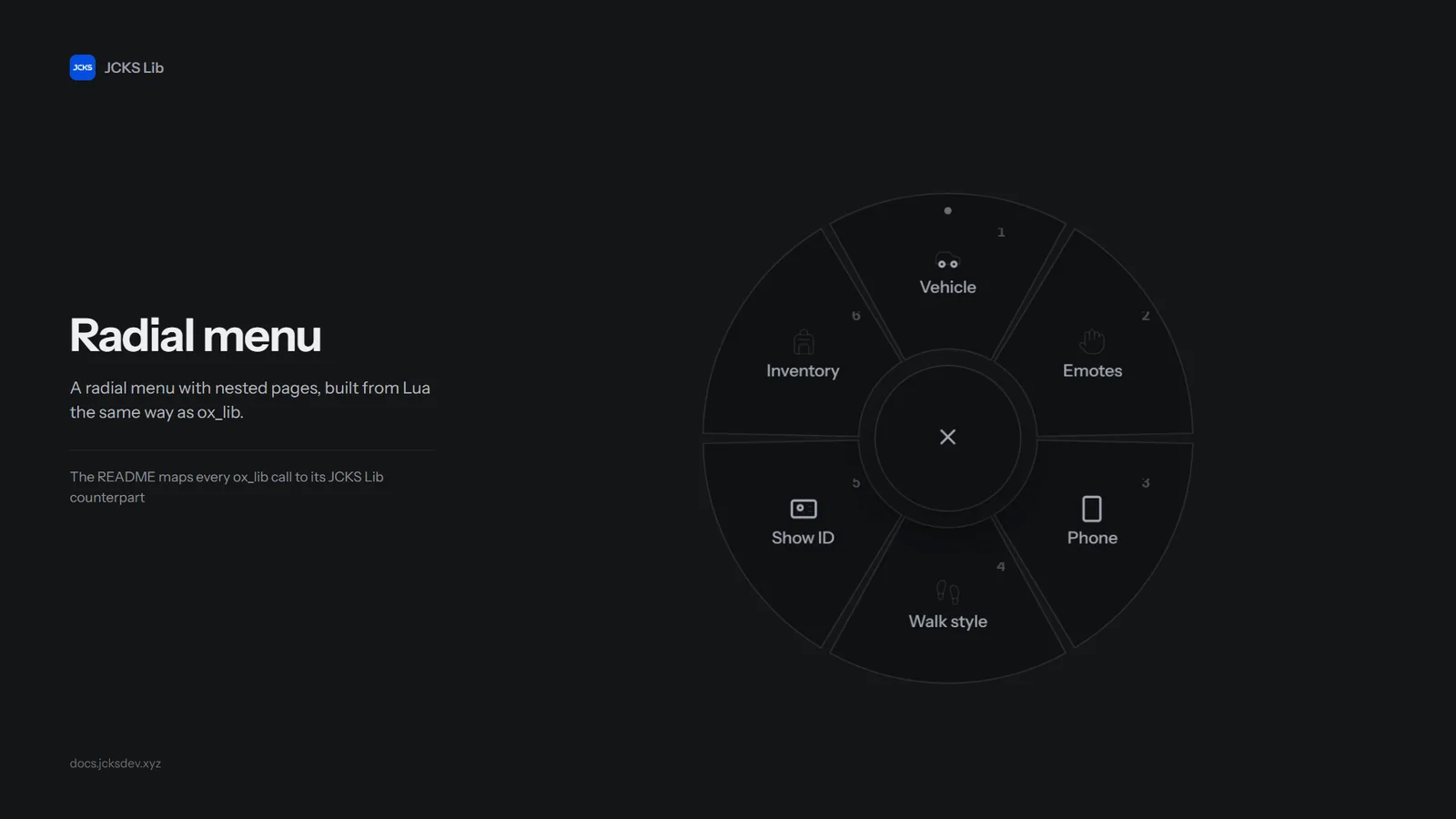
- Radial menu on Z with sub menus, paging past eight items and
canUsechecks. - Skill check with difficulty steps and custom keys.
- Requests the player answers with a key while playing, for example a job offer with Y and N. Several requests queue up.
- Spotlight on F9: a searchable command palette where every resource adds actions, recently used ones float to the top.
- Key hints, objectives with counts, progress and optional items, timers that count down or up, banners.
- Placement HUD with live X, Y, Z, heading compass, height offset, distance, snap and fine state.
- Icons by Font Awesome name, Lucide name or image URL, about 340 common names mapped. An unknown name shows a neutral circle, never an error.
- A focus rescue command (
/jcksfocus) that closes every JCKS layer when a window keeps the mouse.
Details: UI components, API reference.
Panels
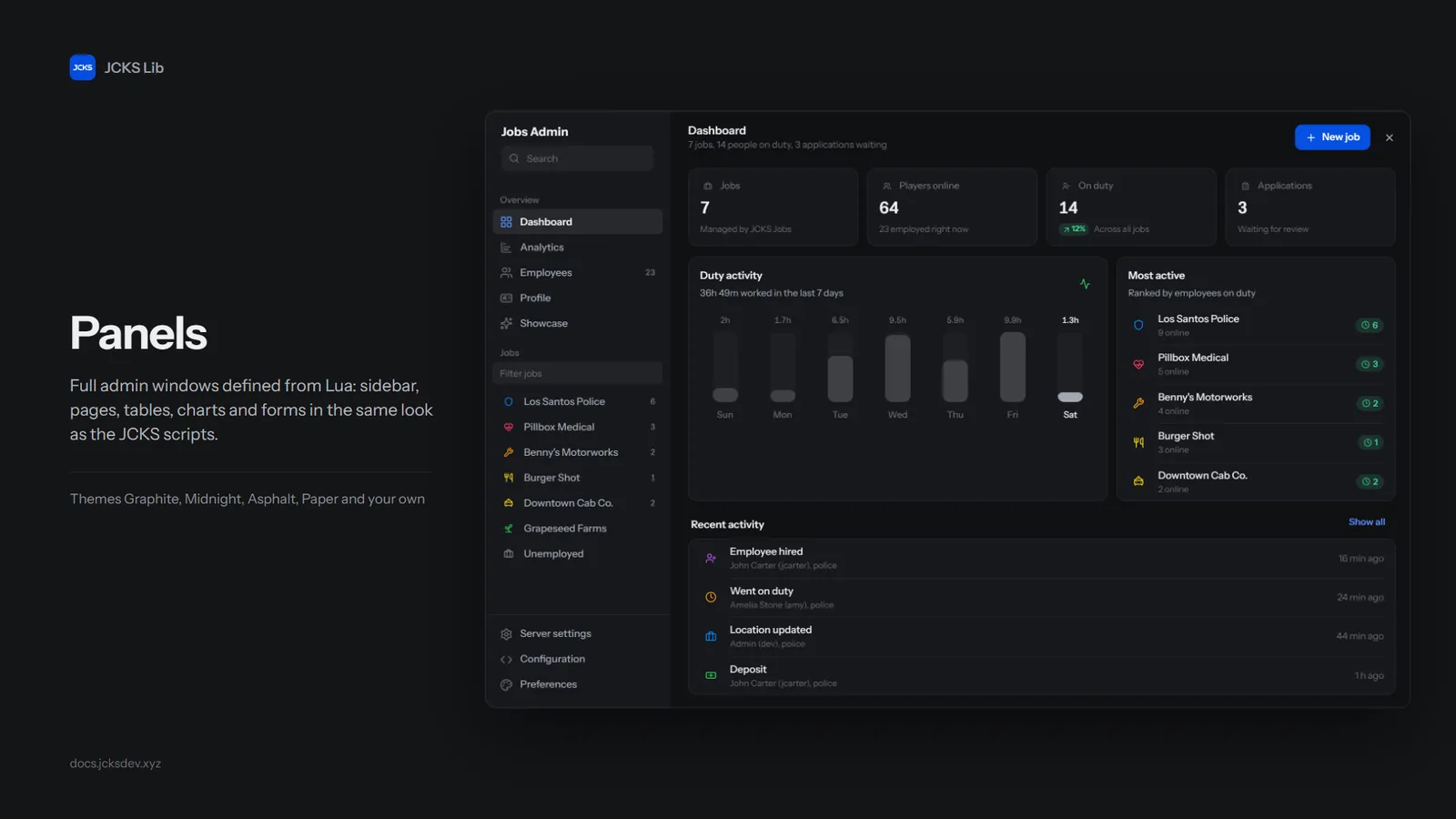
Complete admin windows described as a Lua table, without React, NUI code or a build step. They look like the JCKS Jobs and Vehicles admin windows and follow the server theme.
- Sidebar with items, counts and alerts, pages, live page swaps.
- 23 block types: stat cards, charts, gauge, heatmap, ranking, activity feed, list, table, form, instant settings, progress bars, details, timeline, profile card, card grid, buttons, callout, text, empty state, divider, row, section and tabs.
- Charts as bars, line, area, donut and horizontal bars.
- Sortable tables with search and paging, row actions.
- Forms with validation and the field types text, select, segmented, number, slider, colour, date, time, switch, checkbox, password and text area.
- Confirm dialogs on any button, live updates of single blocks with
UpdatePanel, handlers that return a notification, an update, a new page or close the panel. - Value formats such as money, numbers and relative time.
examples/panel_demo.luawith every block type.
Details: Panels.
Interactions
The JCKS target system for places, NPCs, players and vehicles. The bridge picks it first in auto mode when jcks_lib runs.
- 3 modes for players: hold Left Alt to see options, always visible, or look at it with no key.
- Input by keys (wheel picks, E uses) or by mouse.
- Interactions on a fixed place, a sphere or a box, a local entity, a networked entity that is followed across owners, every entity of a model, or every vehicle, NPC, player or object.
- Offsets, bones such as a car door, reach per interaction and per option.
- Options with a label, icon, own key from 15 allowed keys,
canInteractchecked with every scan (250 ms by default), andonSelect, a client event, a server event or a command. - Admins set mode, input, default reach and key hints for every player in
/jcks, Interactions. - Interactions belong to the resource that added them and are removed when it stops.
Details: Interactions.
Themes and player settings
Every JCKS window, menu and notification uses one theme. Saving restyles every JCKS window for all players without a restart.
- 7 built in themes: graphite (the default), midnight, asphalt, paper, ledger, console and showroom.
- Theme editor with background, panel, raised, text, muted, accent, success, danger and warning colours, corner radius, density, font and opacity, plus optional heading font, borders, shadows, accent use, contrast, header style and layouts. It warns about text contrast under 4.5:1 and accent contrast under 3:1.
- Up to 24 server themes, a theme per script, themes hidden from players.
- Theme codes to share themes. Every code is checked and clamped on the server and in every window, so it cannot inject CSS or scripts.
/uisettingsfor players: theme, own themes (up to 12, saved on their PC), theme import, language, size from 85 to 120 %, sounds and reduced motion. The server decides which of these players may change.- Theme presets browser (JCKS Presets) in Spotlight, installed themes work offline.
/uiadminfor the server look when jcks_bridge does not run.GetAppearancefor your own NUI.
Details: Themes and player settings, Configuration.
Core modules
@jcks_lib/init.lua gives your resource the global jcks. Modules load on first use and run inside your resource, so a call costs no export round trip. It replaces the ox_lib core for JCKS scripts.
- 16 modules:
callback,net,cache,keybind,stream,points,zones,closest,wait,command,vehicle,clipboard,screen,locale,settings,theme. - Callbacks with typed arguments, a rate limit of 10 calls per second per player by default, timeouts and clear error results.
- Net events with a required schema: types, ranges, patterns, allowed values, table shapes, a rate limit, a job and grade, a permission and a distance check against an entity, a player or a place. Refusals are reported to bridge security.
- Cache of the player ped, vehicle, seat and weapon with change handlers, one 100 ms loop for every resource.
- Keybinds on
RegisterKeyMappingthat admins change for everyone in/jcks, Keys. - Streaming of models, animations, particle effects, textures, weapons, scaleforms and audio banks with a timeout that never throws.
- Points with an optional key prompt and zones (sphere, box, polygon) in a grid, so only those near the player are checked.
- Closest vehicle, NPC, object or player, single or all in range.
jcks.waitfor conditions with a timeout,jcks.commandwith typed parameters, permissions and chat suggestions.- Vehicle props with an owner check, and the server export
ApplyVehiclePropsthat lets the owning client apply props after a server spawn.
Details: Core modules.
Script settings
Any resource can put its settings into /jcks of JCKS Bridge with jcks.settings.register.
- A form built from your fields with 8 field types: switch, whole number, number, text, choice, colour, key and job list.
- Groups, labels in en, sk and cs, a guided first setup, and a step for fields that are new in an update.
- Values checked on the server on every save, client fields published through a global state bag, the rest kept on the server.
- Key fields tied to keybinds, access rules and a switch that stops or starts the script.
Details: Script settings in the bridge.
Updates
Every JCKS resource keeps the files a server owner changes in settings/ and editable/, and ships an untouched copy in defaults/.
- On start jcks_lib compares your files with the defaults, fills missing settings and editable functions and lists settings that are no longer used.
- Lists you own, such as shops, recipes and zones, are never refilled. New default entries are only listed.
- A
.backupcopy of every changed file and one console block with the result, also shown in/jcks, Overview. - Values wiped by a
Config = {}line are recovered and the owner is told to fix the line. - The V1 import of config and editable files for scripts that come from V1.
Details: Settings folders and updates.
Coming from ox_lib and jcks_ui
- Most ox_lib UI calls have a direct counterpart: notify, text UI, progress, context menu, input and alert dialogs, list menu, radial menu, skill check, callbacks, points and zones.
- Panels, requests, Spotlight actions, hints, objectives, timers and banners have no ox_lib counterpart.
- The manifest declares
provide 'jcks_ui', so resources that depend on jcks_ui keep starting.
Details: API reference, coming from ox_lib, Installation.
Performance
- No thread runs unless something is open. The progress loop lives only while a progress runs, list menu and request loops only while shown, the radial loop only while it is open.
- Notifications, hints, objectives and timers are pure NUI, Lua only sends a message when something changes.
- Points are checked every 500 ms (200 ms inside), zones every 400 ms (150 ms inside), interactions every 250 ms by default (
Config.Interact.refresh) through a grid around the player. - Interaction work per frame runs only while prompts are visible, the UI gets at most 30 updates per second and only on change.
- Menus, radial items, Spotlight actions, hints, objectives, interactions and panels of a resource are removed when that resource stops.
Security
- Typed callbacks and net events refuse wrong types, extra arguments, NaN and infinity before your handler runs.
- Rate limits per player on callbacks and net events, refusals are logged at most once a minute per player.
- Vehicle props are applied only by the owning client, checked on the server.
- Theme codes and appearance values are validated on the server and in every window.
What you need
| Resource | Notes |
|---|---|
| FiveM server artifact 7290 or newer | jcks_lib has no other dependencies and can start first |
jcks_lib starts before jcks_bridge and before every other JCKS resource.
What is optional
| Resource | What it adds |
|---|---|
| jcks_bridge | The /jcks setup for themes, interactions, keys, player settings and script settings. Needed by every JCKS script. Without it admins set the look in /uiadmin, and /uisettings uses Config.PlayerSettings.command. |
| oxmysql | The library of installed theme presets (table jcks_market_items) |
| ox_lib | Not needed. JCKS scripts run on the jcks_lib core. |